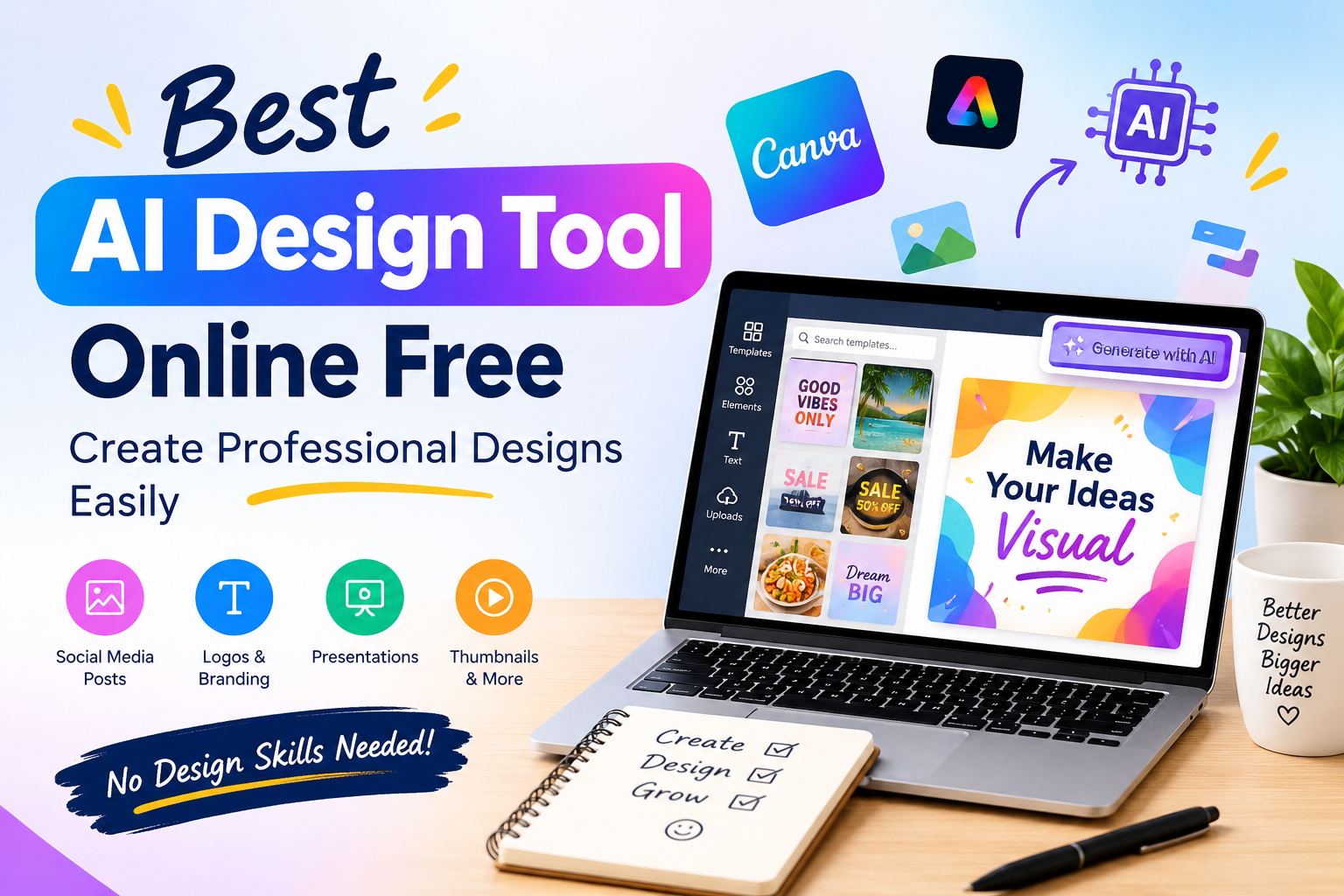
Finding the best AI design tool online free can make graphic design much easier, especially for beginners, content creators, marketers, and small businesses. AI-powered design tools can help you create social media posts, presentations, flyers, advertisements, thumbnails, and other visual content without requiring advanced design skills.
Instead of spending hours creating a design from scratch, you can use AI to generate ideas, layouts, templates, and visual elements in a much shorter time.
What Is an AI Design Tool?
An AI design tool is an online platform that uses artificial intelligence to help users create and edit visual content.
You can often start with a simple description of what you want to create. The AI then helps generate a design or suggests templates that match your requirements.
For example, you can use an AI design tool to create:
- Social media posts
- Instagram stories
- YouTube thumbnails
- Business flyers
- Posters
- Presentations
- Advertisements
- Marketing graphics
- Product designs
- Blog graphics
This makes AI design tools useful for both beginners and experienced creators.
Why Use an AI Design Tool Online Free?
There are several reasons why people are turning to AI-powered design tools.
Save Time
Creating every graphic manually can take a lot of time. AI can help generate an initial design quickly, allowing you to spend more time editing and improving the final result.
Easy for Beginners
You don’t need extensive graphic design experience to start. Many AI design platforms combine templates, simple editing tools, and AI features in one interface.
Create More Content
If you manage a blog, business, or social media account, you may need new graphics regularly. AI can help you produce different types of visual content more efficiently.
Reduce Design Costs
Free AI design tools can be useful when you don’t have the budget for expensive design software or professional design services.
Get Creative Ideas
AI can also help when you’re not sure how your design should look. You can provide a basic idea and use the generated results as a starting point.
Best AI Design Tool Online Free Options
There isn’t one AI design tool that is perfect for everyone. The right option depends on the type of content you want to create.
Canva Magic Design
Canva Magic Design is one option worth considering for people who want AI-assisted designs with an easy-to-use visual editor. Canva says Magic Design can generate personalized designs from a text prompt or uploaded media, including social media content and presentations. (Canva)
It can be useful for:
- Social media posts
- Presentations
- Posters
- Flyers
- YouTube thumbnails
- Business graphics
- Marketing content
Canva also provides templates and editing features so you can customize the generated design instead of using the AI result exactly as it appears. (Canva)
Adobe Express
Adobe Express is another option for creating graphics, social posts, videos, flyers, and other content. Adobe provides a free plan with design features and generative AI capabilities. (Adobe)
Adobe Express can be useful if you want:
- Social media designs
- Marketing graphics
- Flyers
- Videos
- Presentations
- AI-assisted editing
- Adobe ecosystem integration
Adobe’s AI Assistant can also help users create and edit designs using natural-language prompts, although availability can vary because some features are being rolled out gradually. (Adobe Help Centre)
What Can You Create With a Free AI Design Tool?
An AI design tool can be useful for many different projects.
Social Media Graphics
Social media managers and content creators can use AI to create posts, stories, promotional graphics, and other visual content.
YouTube Thumbnails
A good thumbnail can make your video more attractive to potential viewers. AI design tools can help you create thumbnail layouts that you can then customize.
Business Flyers
Small businesses can create flyers for promotions, events, services, and announcements without designing everything from scratch.
Presentations
AI can help create presentation layouts and visual elements based on your topic.
Marketing Materials
You can also use AI design tools to create advertisements, banners, product promotions, and other marketing graphics.
How to Choose the Best AI Design Tool Online Free
Before choosing an AI design platform, consider what you actually need.
1. Check the Free Features
Some platforms offer free plans while keeping certain advanced features behind a paid subscription. Always check which AI features are included in the free version.
2. Look for Templates
Templates can save a lot of time. Choose a platform that offers templates for the type of content you regularly create.
3. Consider Ease of Use
If you’re a beginner, an easy interface can be more important than having hundreds of advanced features.
4. Check Export Options
Make sure you can download your finished designs in a format suitable for your website, social media platform, or business.
5. Look at Customization Options
AI should help you create the first version of a design, but you should still be able to change fonts, colors, images, text, and other elements.
AI Design Tools for Social Media
Social media is one of the most useful areas for AI design.
Businesses and content creators often need to publish multiple pieces of visual content every week. AI can help speed up this process.
You can create:
- Instagram posts
- Instagram stories
- Facebook posts
- Pinterest pins
- YouTube thumbnails
- Promotional graphics
- Quote posts
- Product announcements
For example, Canva’s Magic Design supports multiple social media formats, including Instagram posts and stories, Facebook posts, Pinterest pins, YouTube thumbnails, and other designs. (Canva)
How to Get Better Results From AI Design Tools
Using an AI design tool doesn’t mean you should accept the first result automatically. A few simple practices can improve your designs.
Write Clear Prompts
Give the AI enough information about your design.
Instead of:
Create a business post.
Try:
Create a clean and modern Instagram post for a digital marketing agency promoting SEO services.
A more specific prompt gives the AI better context.
Keep Your Branding Consistent
Use your brand’s colors, fonts, logo, and visual style whenever possible.
Review AI-Generated Content
Always check the final design for spelling mistakes, incorrect information, awkward layouts, and unsuitable images.
Keep the Design Simple
A professional design doesn’t need too many colors, fonts, or visual elements. Keep the main message clear and easy to understand.
Free AI Design Tool vs Traditional Design Software
AI design tools and traditional design software have different strengths.
| Feature | AI Design Tool | Traditional Design Software |
|---|---|---|
| Beginner-friendly | Usually yes | Can require learning |
| AI assistance | Yes | Depends on software |
| Templates | Often available | Varies |
| Quick design creation | Excellent | Moderate |
| Advanced control | Varies | Usually strong |
| Online access | Common | Depends on software |
| Free options | Available | Varies |
For quick marketing graphics and social media content, an AI design tool can be a convenient choice.
Is a Free AI Design Tool Really Free?
This depends on the platform.
Some tools offer free plans with a selection of features, while advanced AI capabilities, premium templates, assets, or higher usage limits may require a paid plan.
For example, Adobe Express currently offers a free plan alongside premium options. (Adobe)
Before choosing a tool, check:
- Free AI usage
- Premium templates
- Export limitations
- Watermarks
- Commercial-use terms
- Storage limits
- AI generation limits
This is particularly important if you plan to use the designs for business purposes.
Benefits of AI Design Tools
AI-powered design can make visual content creation more accessible.
Some of the main benefits include:
- Faster design creation
- Easy editing
- Beginner-friendly tools
- Creative inspiration
- Ready-made templates
- Multiple design formats
- Lower design costs
- More efficient content creation
For bloggers, marketers, entrepreneurs, and social media managers, these features can make regular design work much easier.
Final Thoughts
The best AI design tool online free depends on your specific needs. If you want to create social media posts, marketing graphics, presentations, thumbnails, or business designs, an AI-powered platform can help you get started quickly.
Tools such as Canva Magic Design and Adobe Express provide AI-assisted design features along with editing and template options. (Canva)
However, don’t rely completely on AI. Use it to generate ideas and speed up the design process, then customize the final result to match your brand and audience.
With the right free AI design tool, even beginners can create professional-looking visual content without spending hours learning complicated design software.
Frequently Asked Questions
What is the best AI design tool online free?
The best tool depends on your requirements. Canva Magic Design and Adobe Express are two popular options that provide AI-assisted design features and online editing capabilities. (Canva)
Can I use an AI design tool for free?
Yes. Some platforms offer free plans or free features, although advanced tools and premium assets may require payment.
Are AI design tools good for beginners?
Yes. AI design tools can simplify the design process by providing templates, automated layouts, and AI-generated ideas.
Can AI design tools create social media posts?
Yes. AI design platforms can help create different types of social media graphics, including posts, stories, advertisements, and thumbnails.
Can AI replace graphic designers?
AI can automate parts of the design process, but it doesn’t completely replace human creativity, strategy, branding, and professional judgment.